

You'll need a desktop for this experience, sorry
You'll need a desktop for this experience, sorry

Scroll UP and DOWN to move between the floors
Use the arrow keys to move around the room
If you're stuck, you can always click the button in the bottom left corner for instructions
DigiPHY shines in user testing. By scanning the QR code, you can connect your phone and adjust your car in
real time!
It's really fun! Read what your testers say and complete tasks by adjusting the frame.
I'm your helpful automotive designing tool, and I'll guide you throughout the website.
DigiPHY, created by Granstudio, merges a physical seating frame with a real-time digital layer.
Here you will experience the full process of car designing with DigiPHY, so let's jump in!
Click the component you want to explore in detail.
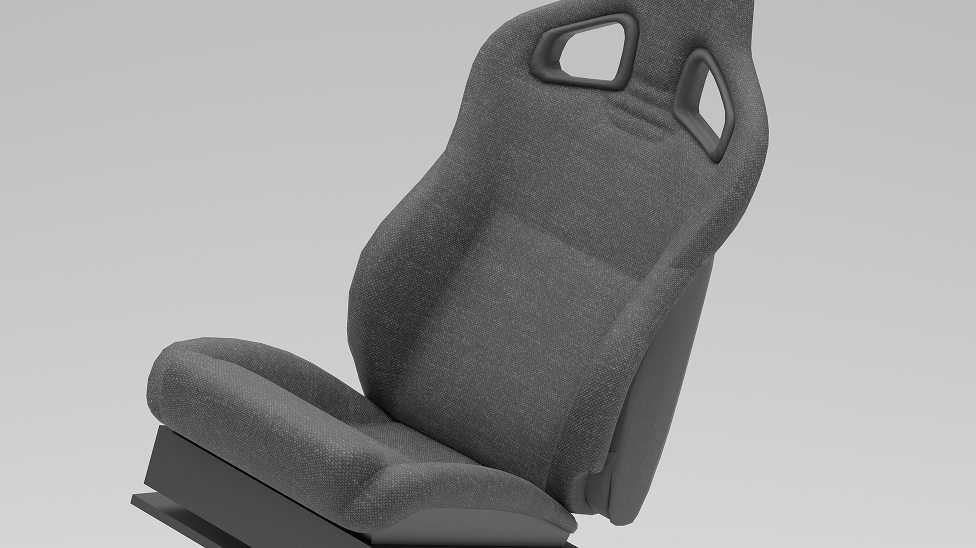
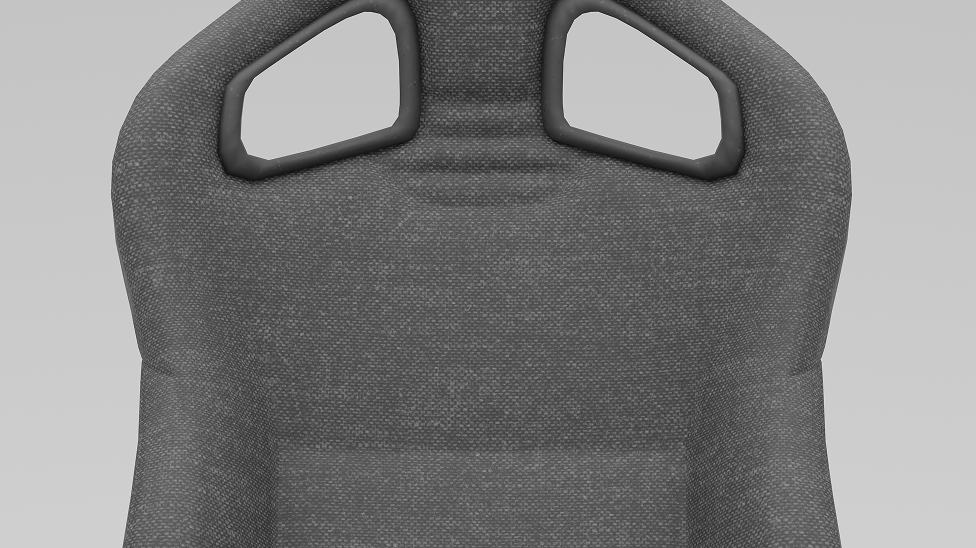
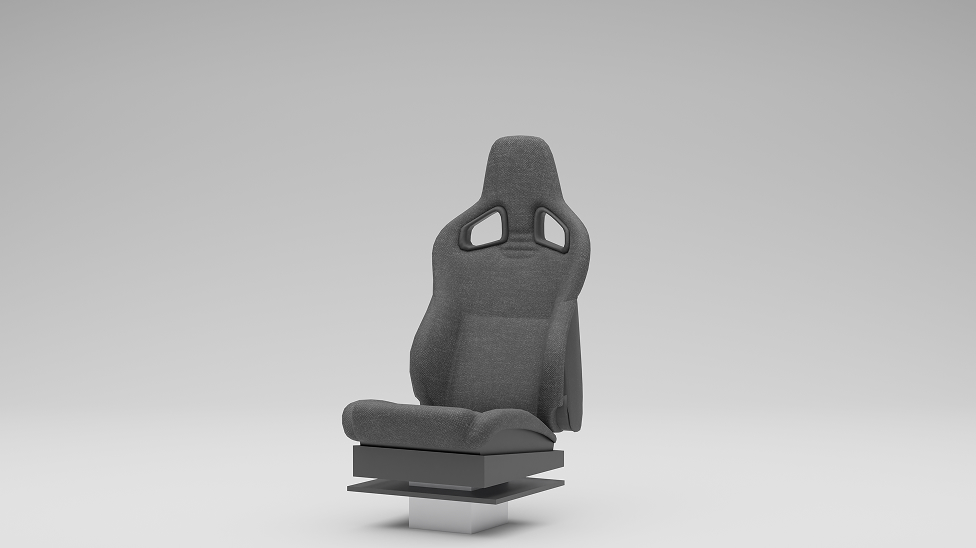
In Digiphy, the seats are fully adjustable. I can change their dimensions and angles. Overall feel to match whatever interior I'm designing. Whether the project needs something sporty, compact, or more relaxed, I just shape the seat to fit the car's character, make them and drop it straight into DigiPHY.
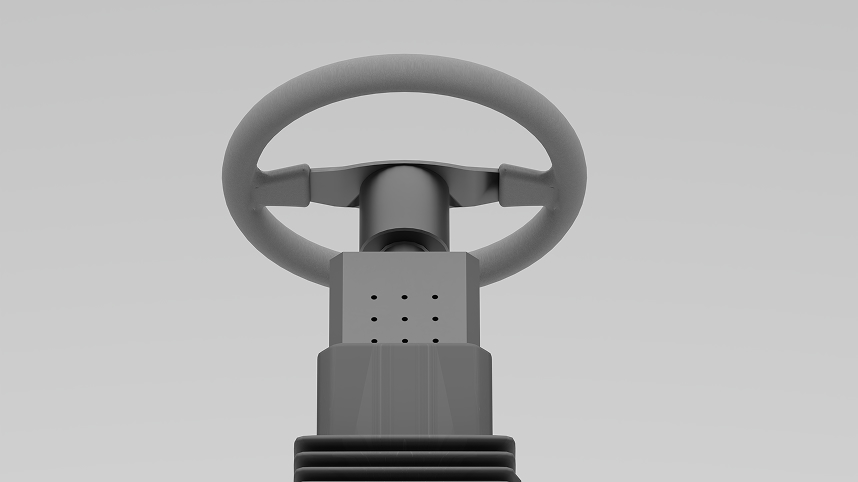
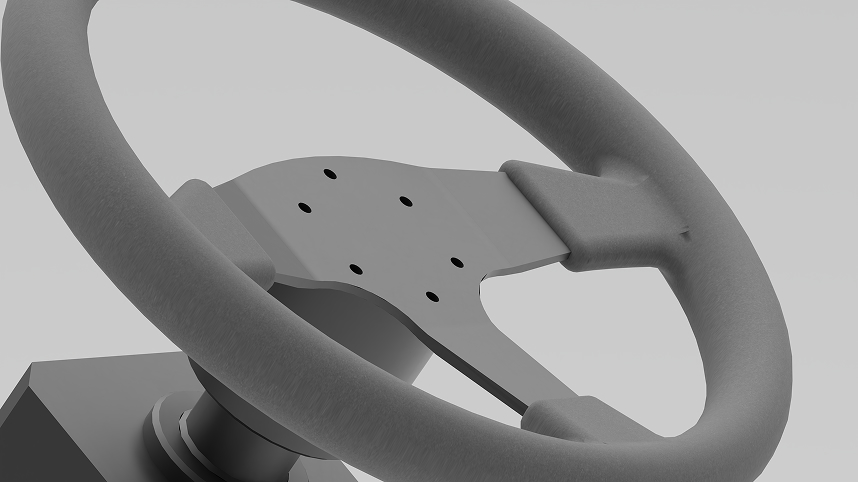
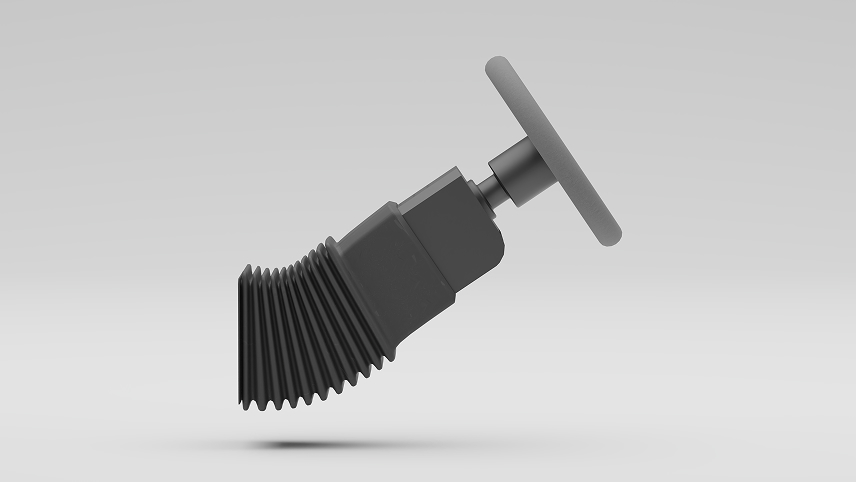
The steering wheel in Digiphy is fully adjustable, so I can match it to any type of car I'm developing. I can shift the height, widen the stance, or tighten it up depending on whatever I'm working on.
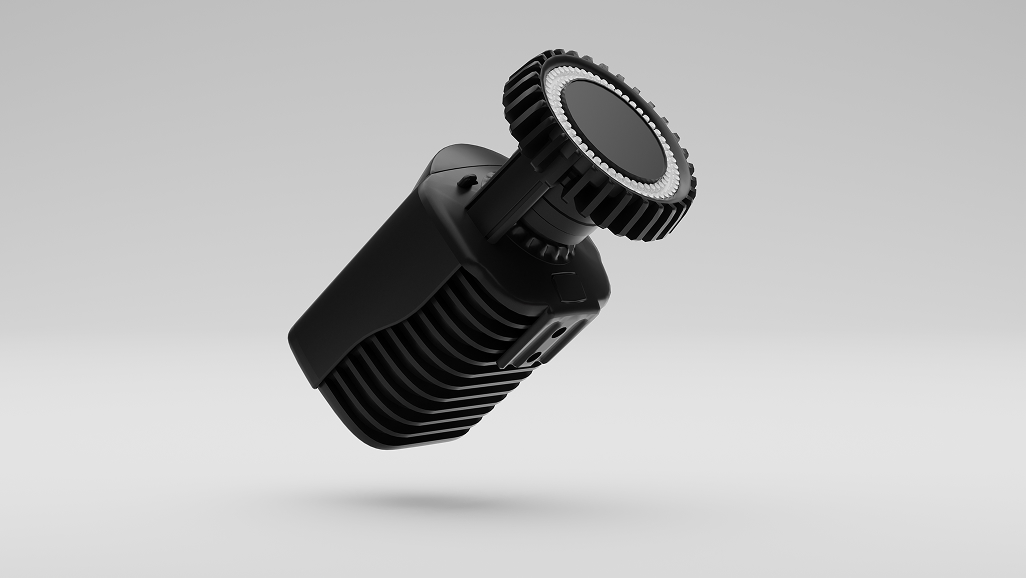
The alignment cameras help me bring the digital layer into the real setup. They make sure every virtual element sits exactly where it should, so the whole experience lines up perfectly.
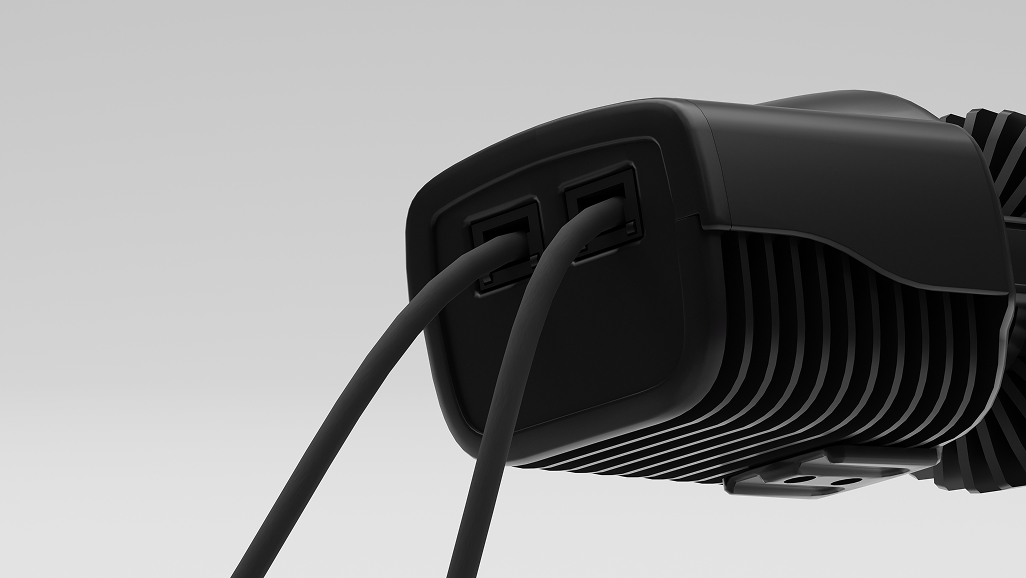
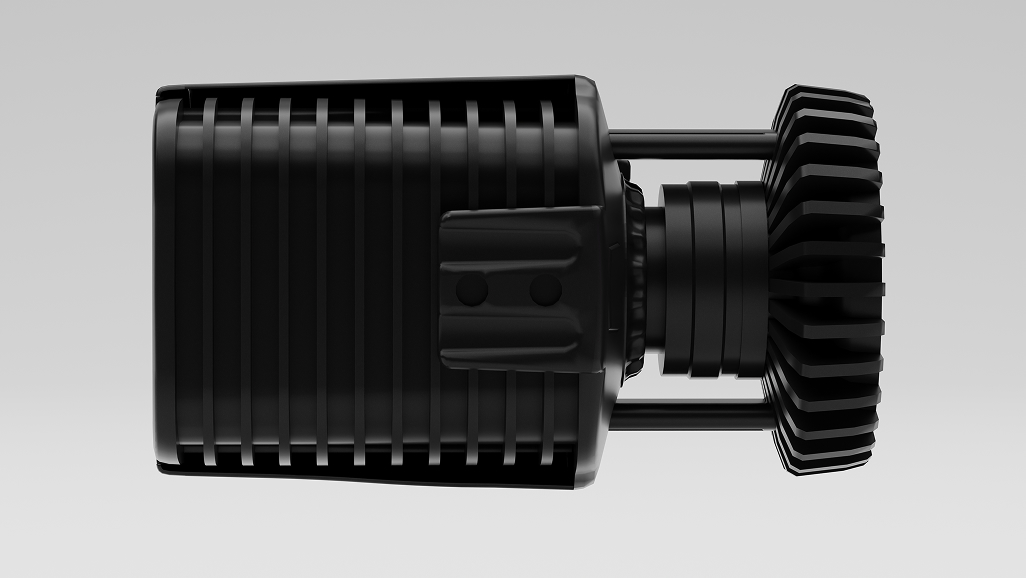
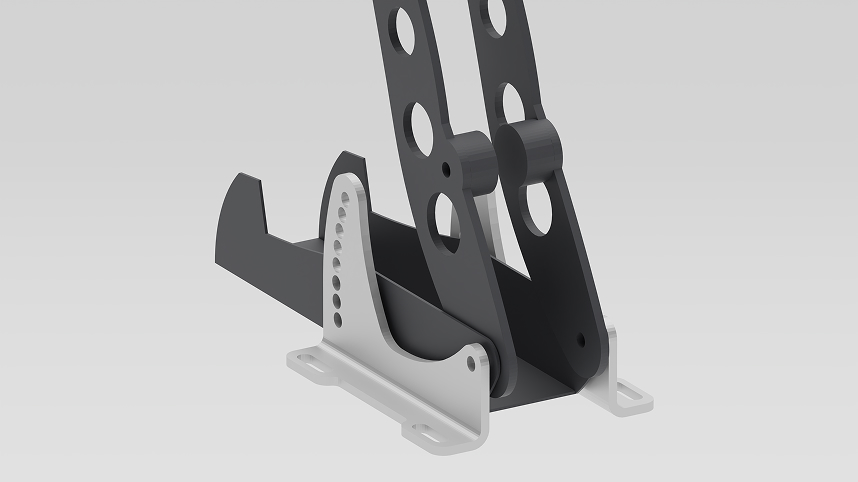
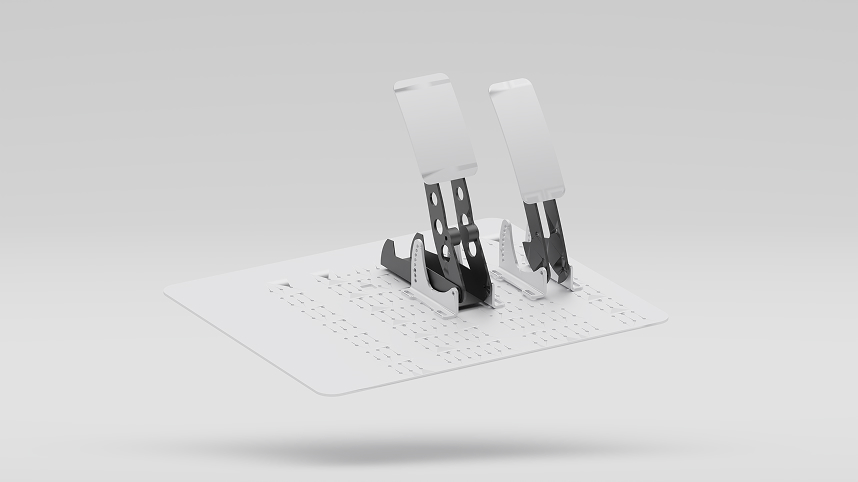
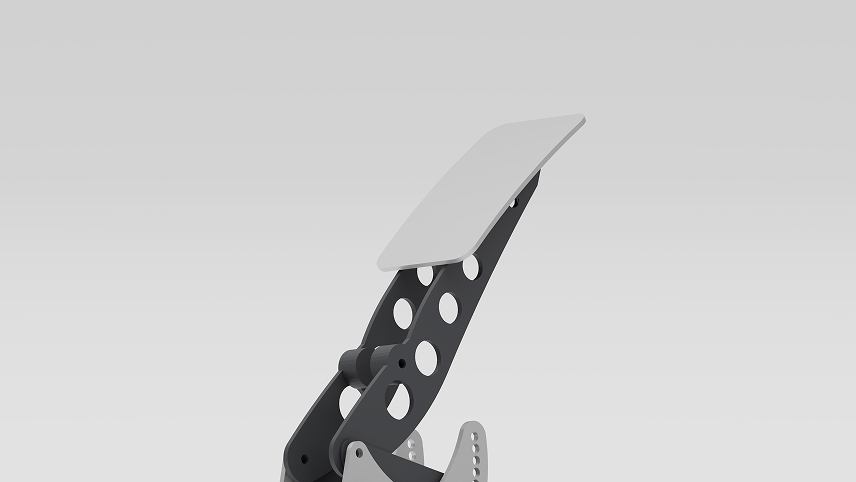
The pedals in Digiphy are fully adjustable, so I can set them up to match the driving position of any type of car. I can move them closer, lower, wider... Whatever the layout needs.
A new design always begins with sketching. It's the quickest way to explore ideas and see what works. Once an idea feels right on paper, I want to understand how it behaves in space and how the user interacts with it. That's the moment when DigiPHY takes over.
Here you can select which components you want to use and customize them to match your preferred setup.
When I design a car, the physical experience matters as much as the digital one. That's why DigiPHY uses
real, physical
3D printed or modelled add-ons that I can mount onto the frame to see how they fit and feel.
Continue scrolling and build your own car!
Press the Headset button to put the VR Headset on. I dare you.
Using DigiPHY's software on any device, I can see my car's setup and control the phisical components with a single tap. It allows me to change and adjust the physical object dimensions in a matter of seconds.
Auto-Alignment positions digital elements with real-life objects. This allows the user to have more in-depth experience wearing a headset.
Lets make some adjustments to the model. Lorem ipsum Lorem ipsum Lorem ipsum Lorem ipsum!

“We got into a multi-disciplinary collaboration flow.”
-Simon Lamarre, Head of Prospective Design, Lynk & Co Prospective Design
“Lynk & Co 02” by Nieve5677 - licensed under CC BY 4.0

“We were looking for a new tool to improve the efficiency of our design reviews and aid in the development of the brand's styling language”
-Stéphane Maiore, Head of Interior Design, Renault Design

“DigiPHY provided insights we otherwise wouldn't be able to get.”
-Luca Zollino, Design Innovation and Operations Manager, Mazda Research Europe
Use your arrow keys to explore real client cases
Dont hesitate to reach out. Grantudio will get you the solution that suits your needs best!
You have reached the end of our story and designed a car!
But it's not the end of our shared journey. Reach out to Granstudio and learn more!